Since our phones are ever improving their cameras, many people – us included, have had a tough time figuring out what to do with our photos especially our great pics that we really like.

This post is sponsored by Pixuru.
A little guy named Hamilton introduced us to Pixuru.
We downloaded the app and quickly discovered how much fun it is. We were also pleased to find it’s really easy to use too.
The app can access all your photos in your phone’s photo library as well as those you’ve shared on Instagram and Facebook. Using this app is fun throughout the entire process, Hamilton the fun-loving Pixuru guide dog is there to assist and help make sure your order is perfect.
 All you have to do is select the style of picture you would like to print – canvas, framed, metal, wood, or even a case for your iPhone or iPad. Next you select your size – ranging from 8” x 10” for the smallest, all the way up to a 40” x 10” panoramic, or even a 3 or 4 panel picture for an even larger experience.

 Then you add your picture followed by scaling it, sizing it and rotating your pic are easier than you can imagine.

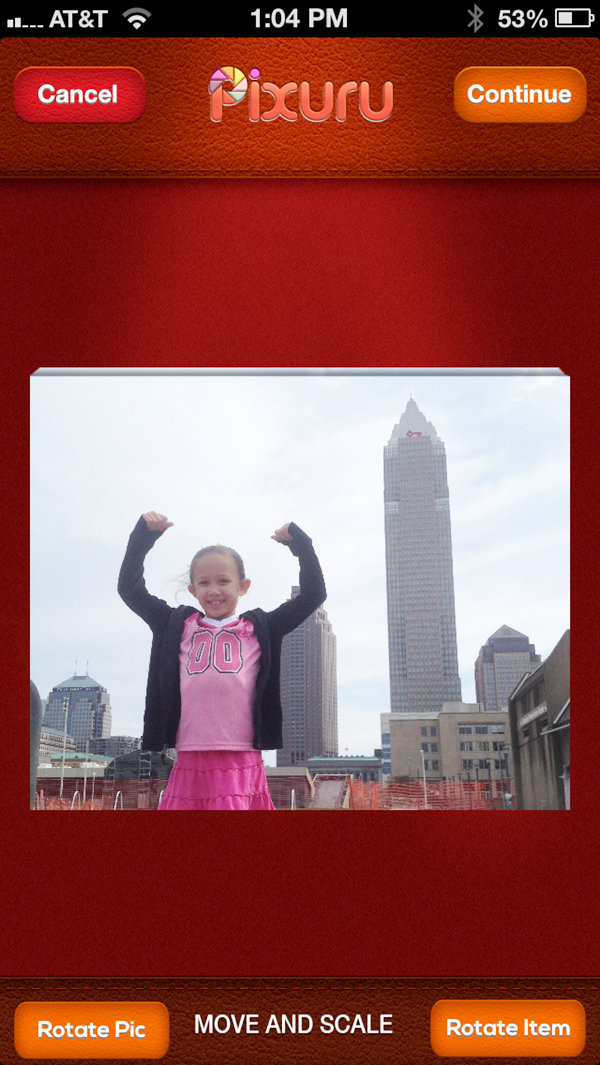 After you are done adjusting and making your picture perfect, you simply check out and Pixuru (and Hamilton) do the rest. Shipping is free and your picture will arrive to your home in a couple of days.
 We went with a 16” x 20” canvas print of one of our favorite things . . . a vacation! This pic is from the beach at Seabrook Island in South Carolina.
 There is a great story behind it, these markings in the sand are actually flipper marks from a momma sea turtle crawling up the beach, from the ocean to lay her eggs. It is a picture that will remind us of our time there and how much fun we had interacting with nature and family on our trip to Seabrook.
Throughout the printing process, Pixuru and Hamilton keep you up to date with the happenings, they review the picture to make sure it was inputted correctly, and send along witty and playful updates when your picture is being printed and shipped out.

 When the package containing our picture arrived we were interested to see it, since as you can see the last communication from Pixuru stated that Hamilton was lost, and may have jumped into our package when it was being prepped to ship out! When the box arrived we thought it was fun to see an image of Hamilton peeking out.
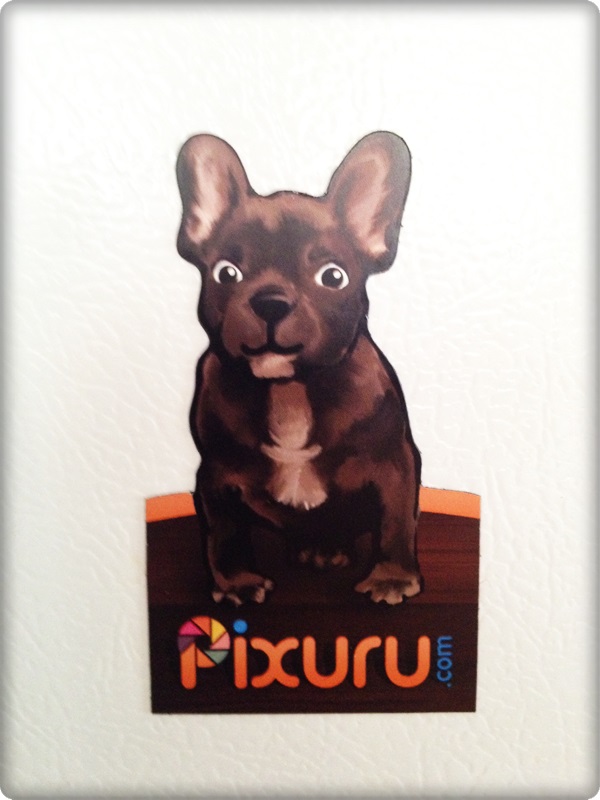
 In our package was our picture, another cute statement from Pixuru and an adorable little magnet of Hamilton with a message showing us how to save on future orders.
 Our picture itself turned out beautifully. The photo and colors are crisp and clear. The print is constructed in a very sturdy way and feels solid.
 Prior to this one, I have never seen a canvas print with the back of the picture covered as well, I think this contributes to the solid feel.
 We are thrilled with this picture and we placed it in our bedroom to give us good memories, as well as add to our ‘beach’ theme in the room.
The Pixuru app is currently available for your iPhone at the iTunes store and they will have a version out in the Google Play store soon.
We love our photo and our experience with the app and service was wonderful. We recommend Pixuru to anyone looking for a fun, easy, and beautiful way to display the photos hiding on their smartphones.

